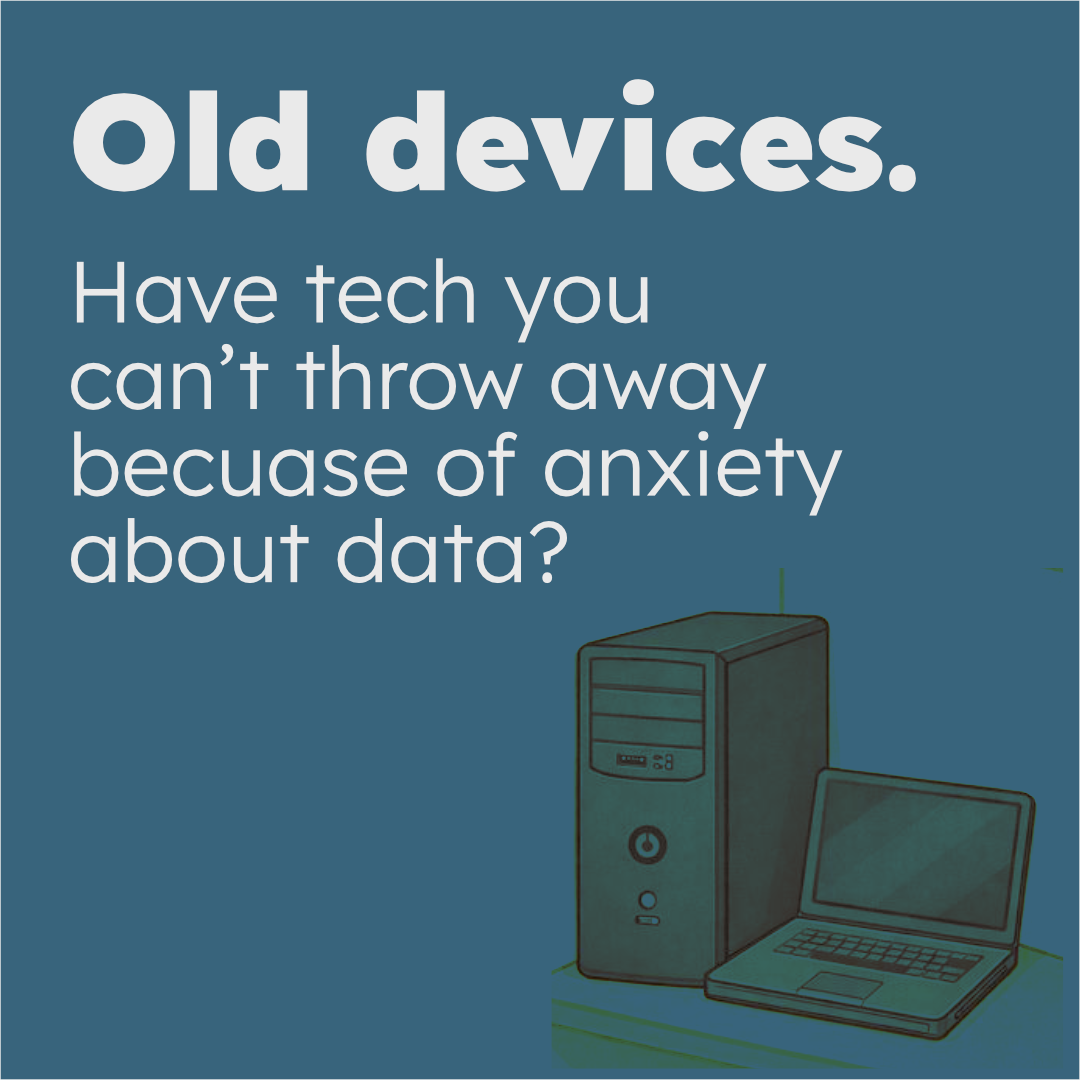
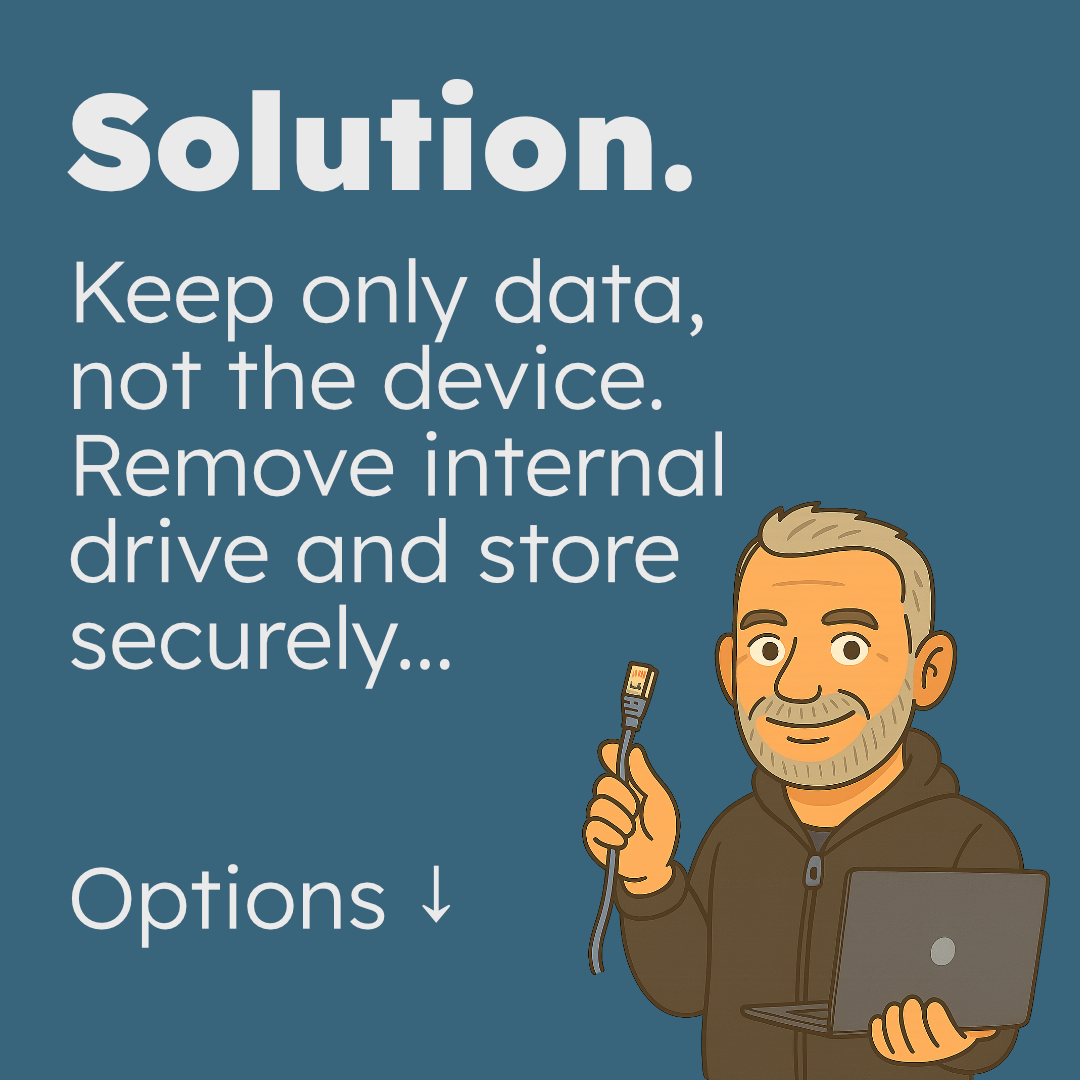
For most people, it’s not the computer – it’s the data.
Here are a few safe, sensible options, depending on what you actually need:
1️⃣ Don’t need to access the data?
You can securely erase the storage.
If you’re unsure, the simplest option is to remove the small storage component and store it safely.
2️⃣ Want to keep the data accessible?
Put the storage drive into a small enclosure.
You keep access to your files without relying on an old desktop or laptop that may not power on.
3️⃣ Multiple old devices?
Consolidate everything into one external drive.
Less clutter, one place to manage.
4️⃣ Multiple people or shared access?
A small NAS (network storage) can give separate access and privacy while keeping everything in one place.
5️⃣ Data really matters to you?
Consider a 3-2-1 backup approach:
• Original data on the device
• A local copy on another drive
• A copy stored off-site or in the cloud
It’s the simplest way to think about data resilience.
Worth knowing: cloud sync isn’t the same as backup. It mirrors changes – including deletions – unless it’s specifically designed as a failsafe backup.
How I can help…
I can help you choose the right option, erase, remove or consolidate storage at your home or office, and or spec/supply the hardware if needed.